

The message that arrives mid-session gets an answer
Booking, cash and client records in one place. The AI team inside them steps in at the right moment of your day.
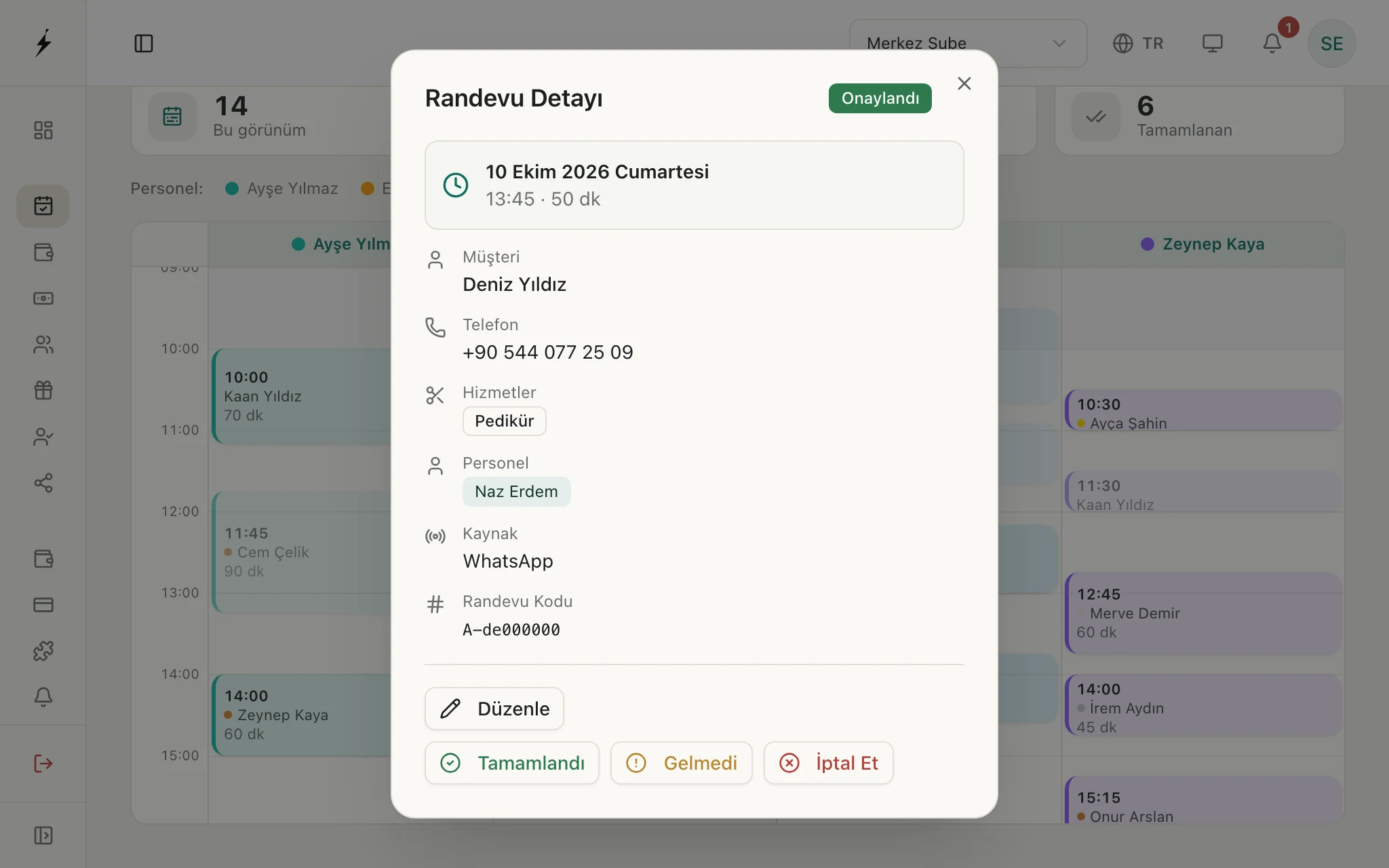
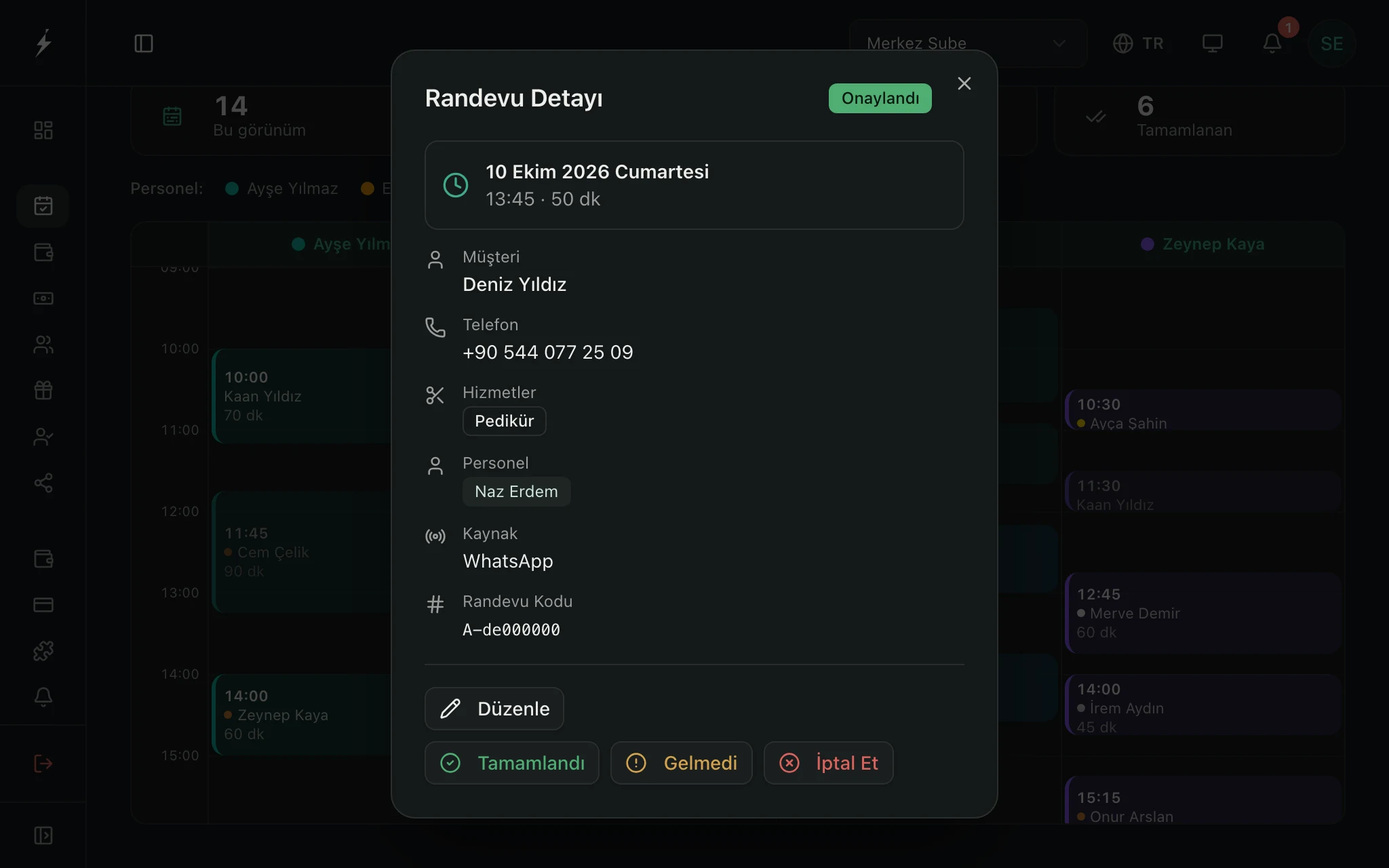
Captured from the Zencron panel with a sample business's data.
Three problems that may sound familiar
Instagram questions go unanswered during sessions
Price and availability questions usually arrive while you are with a client. By the time you look, the person has written to someone else.
The receptionist answers Instagram messages from your knowledge base, checks the calendar and opens the appointment. If it is asked something it does not know, it leaves a callback request.
A client who stopped coming goes unnoticed
Someone who finished a package or has not visited for months disappears into the records, and nobody calls.
The Customers module shows who has not been in for a while. Customer relations reads the segments when you press the button and suggests what to write to whom.
Package and session counts get muddled in the notebook
Which session of a six-session package a client is on varies from person to person and often lives in memory.
Package tracking is available on Booking's higher plans: the package sits in the client record and the remaining session count is shown.
A day in a beauty center
A few moments from the day, and who does the work in each.
You are mid-session, hands full. A message arrives on Instagram: "how much is laser hair removal?"
The receptionist answers from your knowledge base, finds a free slot in the calendar and opens the appointment. If something is beyond it, it leaves a callback request.
A client asks which session of her package she is on.
If your plan includes package tracking, the package is in her record; you see which session she is on and how many remain there.
The day is over and you are counting the till. The count does not match the book.
If the difference at shift close passes the threshold you set, cash control writes the likely causes and what to check. It runs with the Kasa AI Assistant add-on.
Sitting down in the evening, you remember: some clients have not come in for months.
When you press the button, customer relations reads the segments and lists whom you could write to and what about. You send the message yourself.
Setup by team size
You start with Booking; the Assistant comes with it. The rest you switch on as the business grows.
See bundles and pricing- Working alone, Booking and the Assistant are enough. Connect Instagram and enter your services and prices.
- With a few specialists, give each their own calendar; use Customers and Loyalty to call back clients who have not been in for a while.
- With several branches the branch selector appears; calendar, cash and staff are tracked per branch.
Frequently asked questions
Run your center this way
Try it for 14 days without a credit card.